15 minutes back,
every single job.
Your client picks their selects. You paste the filename list into SessionSync. It finds every RAW file on your Mac and opens them in Lightroom, Capture One, or Photoshop.
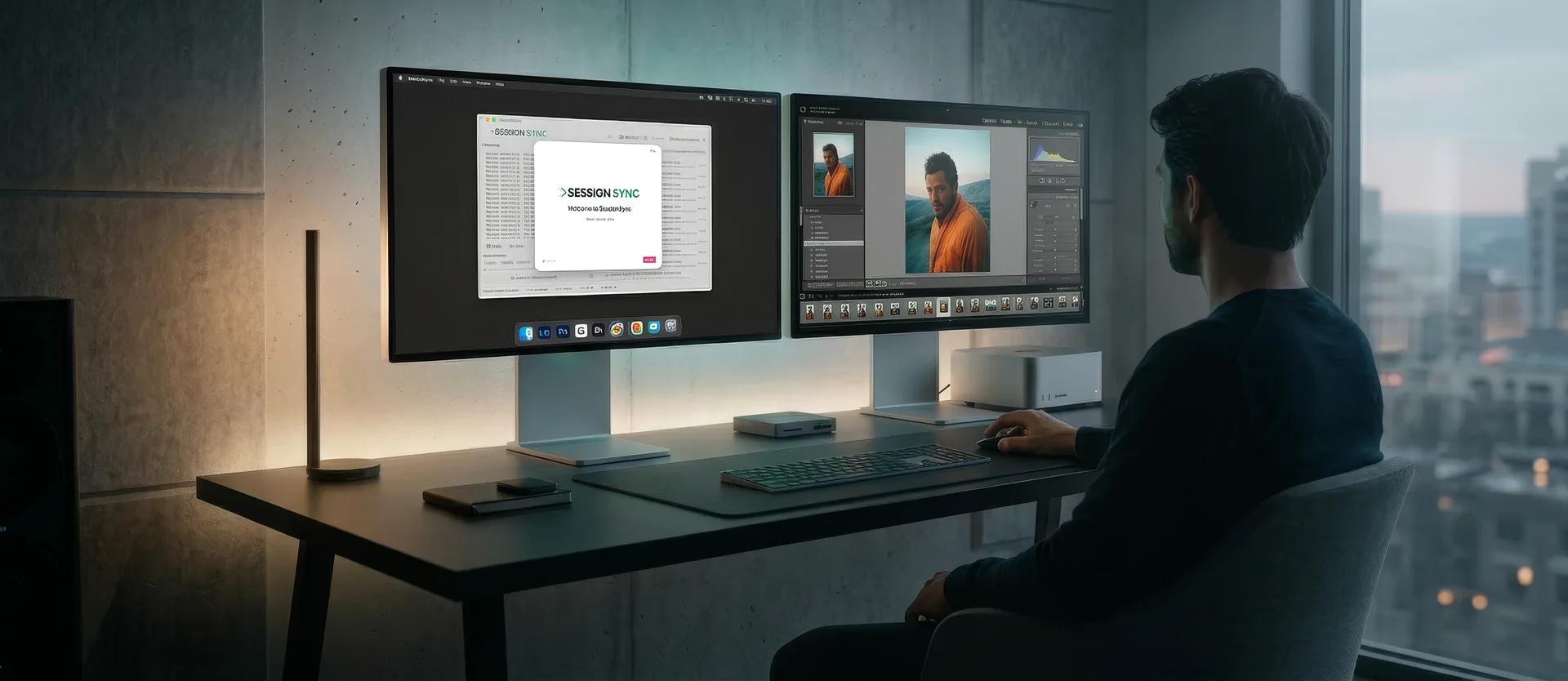
You know this workflow.
It wastes your time every single job.
Your client picks 80 favourites from 2,500 proofs. You get a list of filenames. Now you need to find those exact RAW files in your library and open them in your editing app.
So you paste them into Lightroom's text filter, which breaks on the wrong separator format. Or you search for them one by one in Finder. Or you scroll through 2,500 thumbnails trying to match names by eye.
15-20 minutes. Every job. For a task that should take seconds.
"Photographers upload low-res proofs to Dropbox, clients send back a list of file names (time consuming), then photographers cull the list manually in Lightroom (also time consuming)."
Adobe Community Forums
Three steps. Every time.
No catalogue. No indexing. No importing. Just paste, search, edit.
Paste your selection list
Copy the filename list from your proofing gallery. Any format works: one per line, comma-separated, numbered, messy. SessionSync cleans it up automatically.
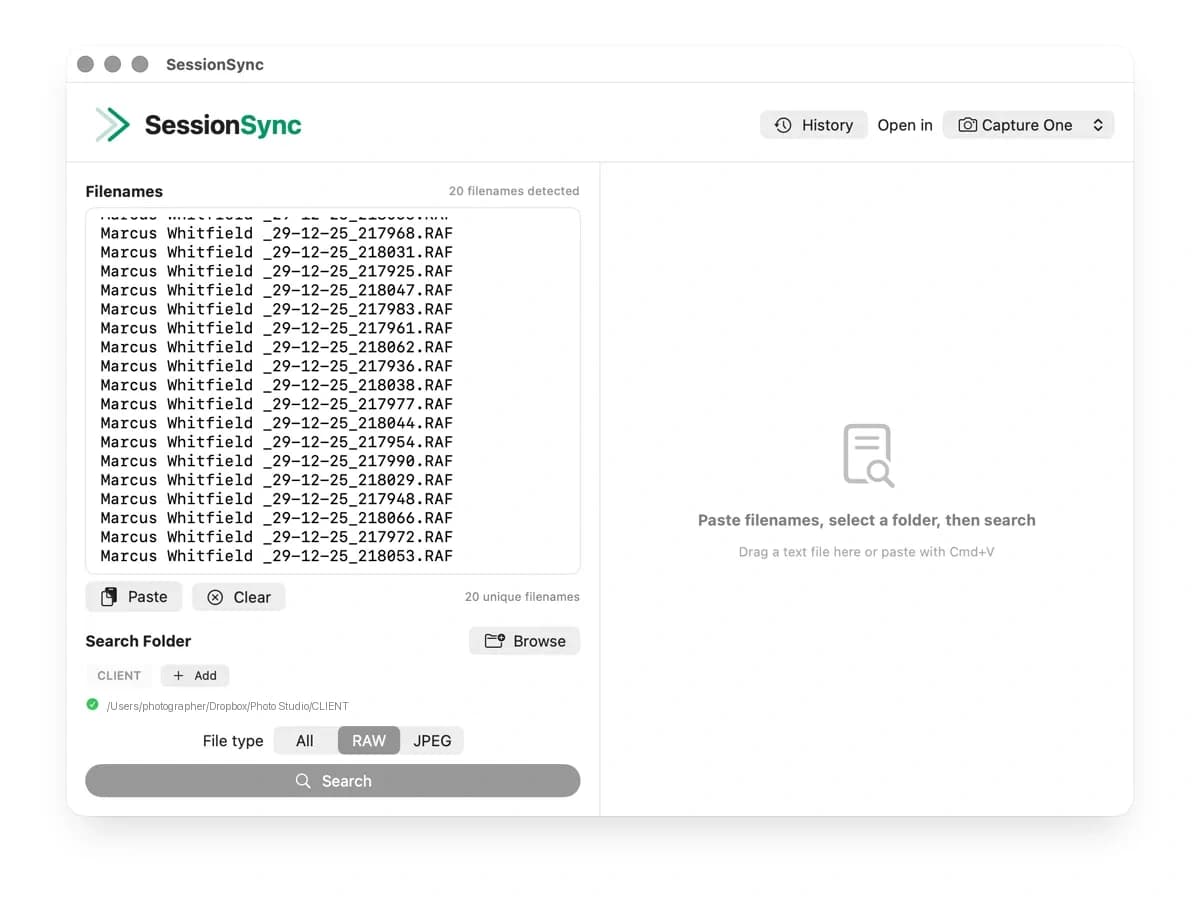
Hit search
SessionSync uses Spotlight for speed, then a full directory scan as backup. 30+ RAW formats understood. Results in seconds.
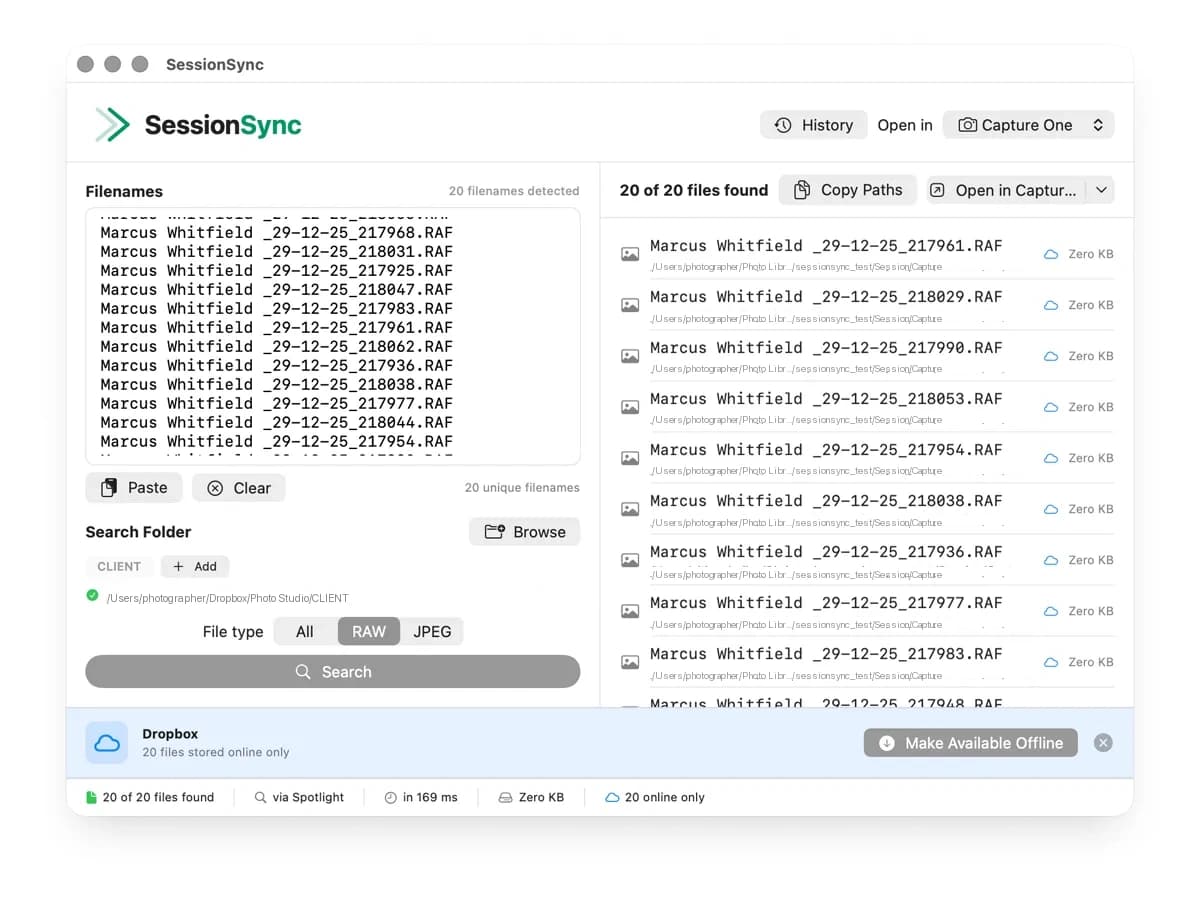
Open in your editor
Found files open directly in Lightroom Classic, Capture One, Photoshop, Affinity Photo, or any of 8 supported apps. One click.
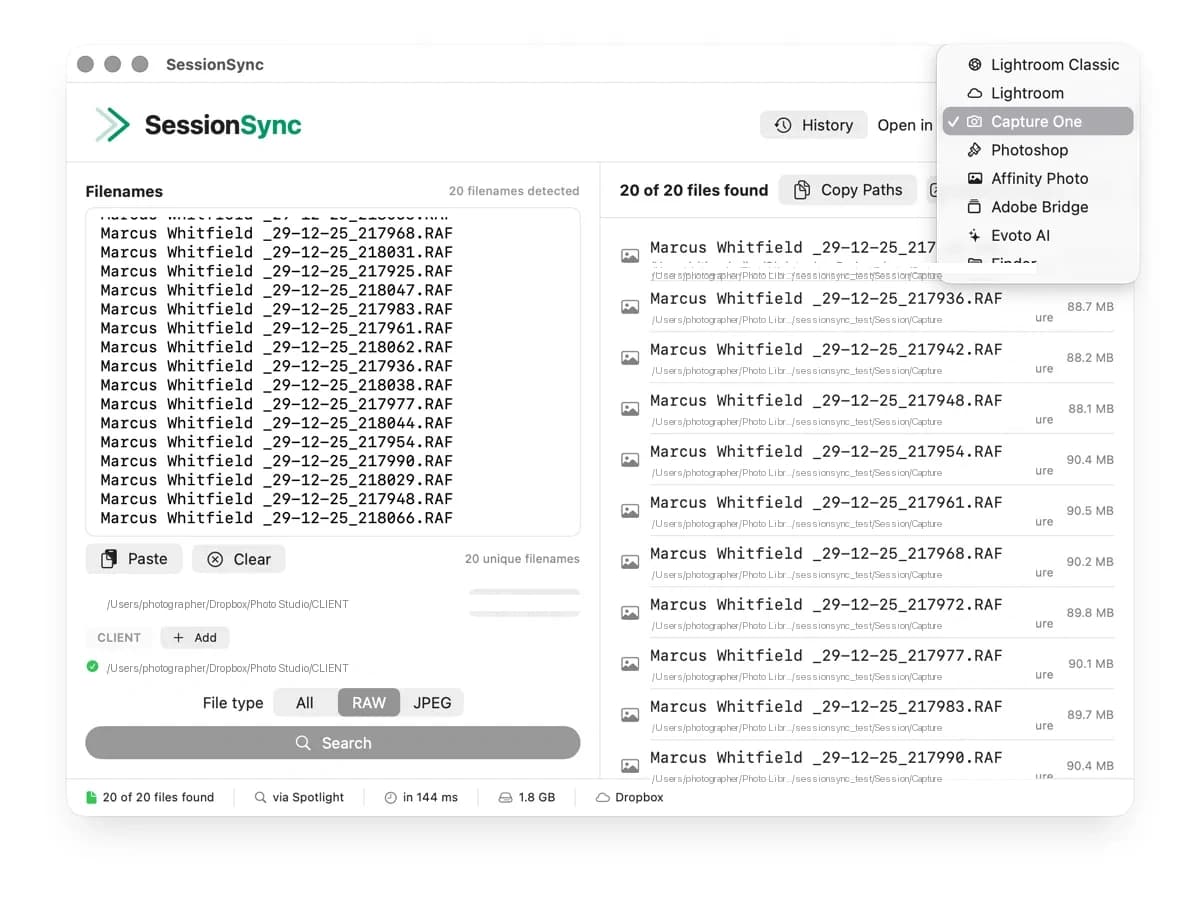
Everything you need. Nothing you don't.
Any paste format
One per line, commas, numbered lists, URLs, messy clipboard pastes. SessionSync handles them all.
No catalogue required
Searches your actual file system. No importing. No indexing. Just point at a folder.
30+ RAW formats
CR2, CR3, NEF, ARW, RAF, DNG, ORF, PEF, and more. Plus JPEG, TIFF, HEIC, PSD.
8 editing apps
Lightroom Classic, Lightroom, Capture One, Photoshop, Affinity Photo, Bridge, Evoto AI, Finder.
Cloud storage aware
Dropbox, iCloud Drive, OneDrive. Detect and download cloud-only files before editing.
File type filtering
Search for RAW only, JPEG only, or all files. Switch with one click.
Search history
Pin and label your searches. Reload previous selection lists instantly.
Keyboard driven
Cmd+V paste, Cmd+Return search, Cmd+Shift+C copy paths. Built for speed.
The maths is simple.
Even at just 3 shoots a week, the time adds up fast.
| Task | Manual | SessionSync |
|---|---|---|
| Find 50 selects from 2,000 photos | 15-20 minutes | Under 10 seconds |
| 3 shoots/week (156 jobs/year) | 39 hours/year | 26 minutes/year |
| 6 shoots/week (312 jobs/year) | 78 hours/year | 52 minutes/year |
| At £75/hour billing rate | Up to £5,850 of time back |
SessionSync pays for itself on the first use. Every use after that is pure time back.
Built by a photographer, for photographers.
SessionSync was built by Christopher Bailey, a fitness photographer with 20 years of experience. After years of manually hunting for client selections across folders and drives, he built the tool he'd always wanted.
SessionSync isn't a feature bolted onto a larger app. It's a focused utility designed for one specific workflow moment: the gap between your client picking their favourites and you opening those files to edit.
It's the tool Adobe hasn't built in over a decade of forum requests.
One price. Yours forever.
- No subscription
- Free updates for 12 months
- Free bug fixes ongoing
- Works on up to 2 Macs
Requires macOS 14.0 or later. Native Apple Silicon and Intel support.
Your selects found in seconds.
Every minute spent finding files is a minute not spent editing them. SessionSync gives you that time back.
Download on the Mac App StoreQuestions?
Drop us an email and we'll get back to you within 24 hours. Or head to our support page for FAQs.
enquiries@christopherbailey.co.uk